Dwains Dashboard Next
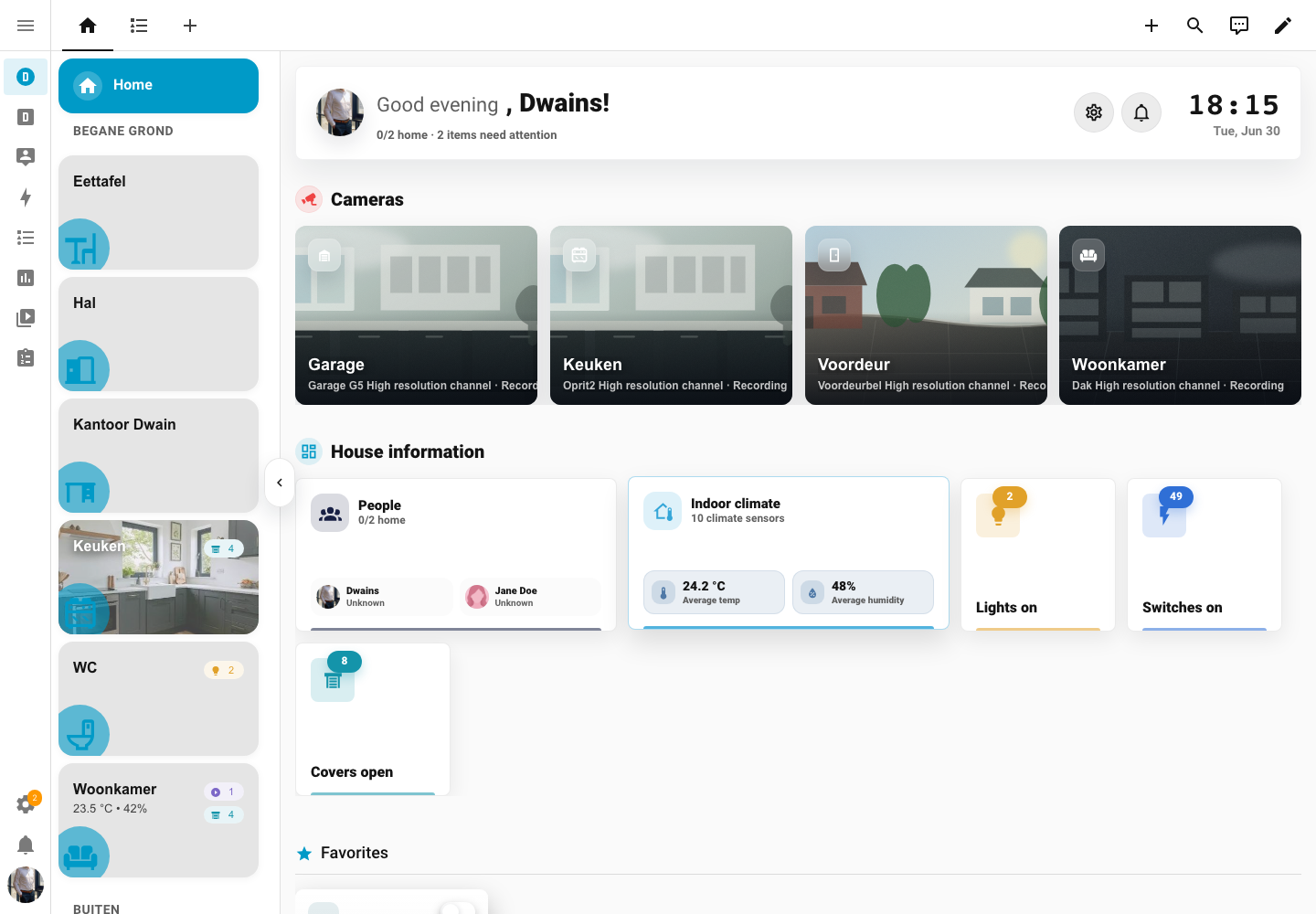
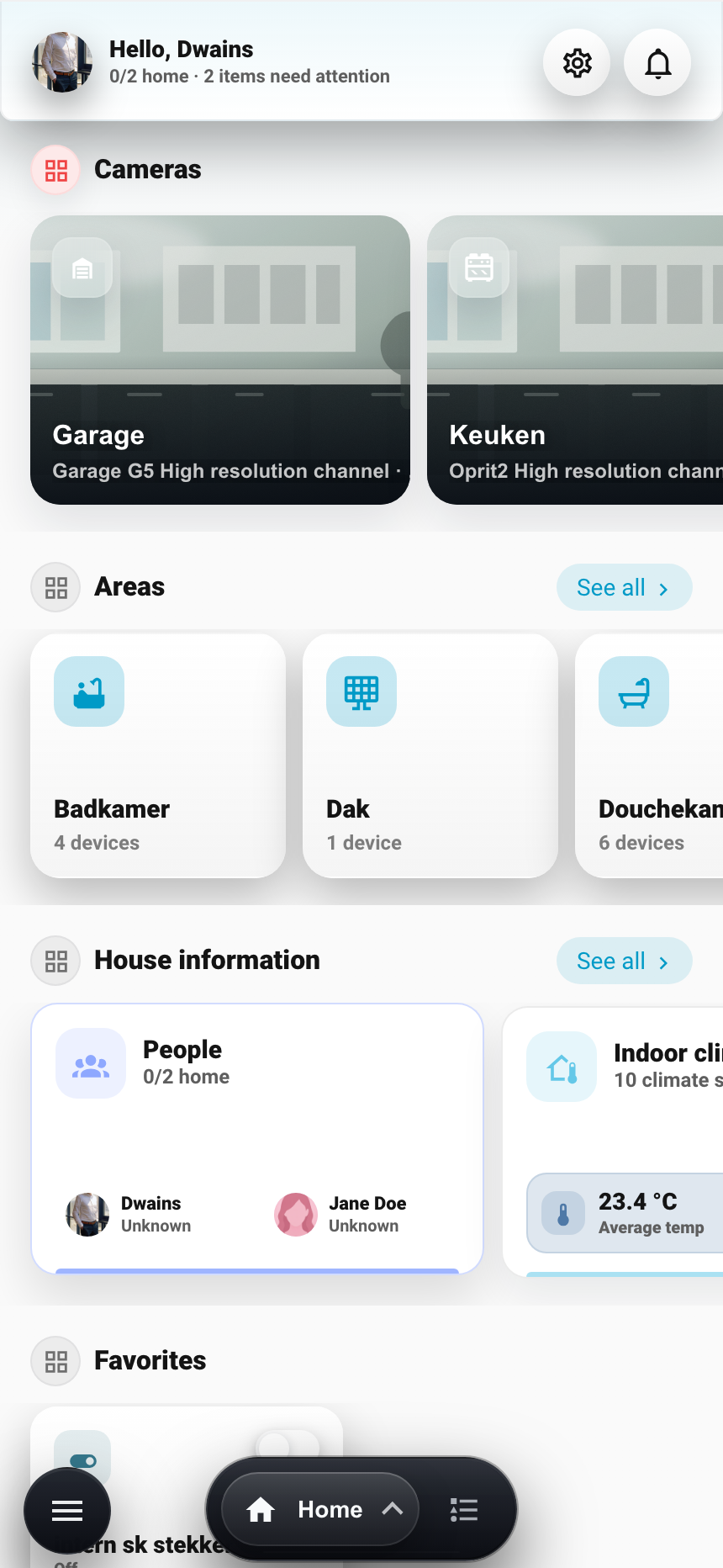
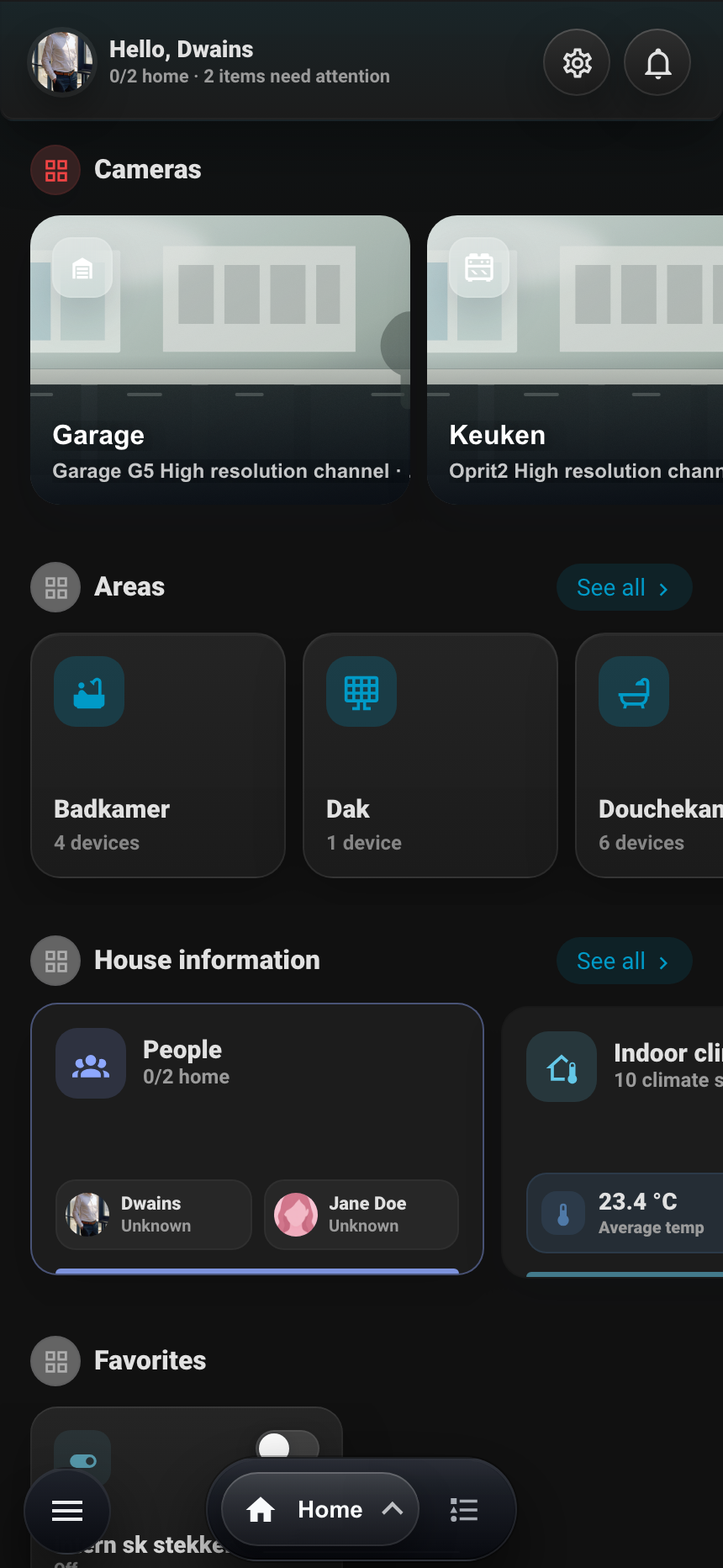
A fully auto-generated Home Assistant dashboard based on your areas, devices and entities. Install it, add the dashboard, and instantly get an app-like overview of your whole house.
Preview
Start Here
Installation
Install the dashboard through HACS and add it in Home Assistant.
Getting started
Prepare areas, floors, devices and entities before using the dashboard.
Navigation
Understand desktop, mobile, area and device navigation.
Dashboard settings
Configure layout, visibility, permissions, status and support links.
Main Features
Home page
Configure home sections, cameras, house information and summaries.
Areas
Use area pages, quick controls, entity groups and custom area cards.
Devices
Manage device groups, maintenance, people and energy views.
Blueprints
Install page blueprints and replacement-card blueprints.
Custom cards
Add manual cards above, below or inside generated area sections.
Wall tablet mode
Hide the Home Assistant header, return to Home and show a clock or photo screensaver on a tablet.
Languages
Use English, Dutch, German, French, Spanish or Chinese automatically.
Screenshots
View desktop and mobile screenshots in light and dark mode.